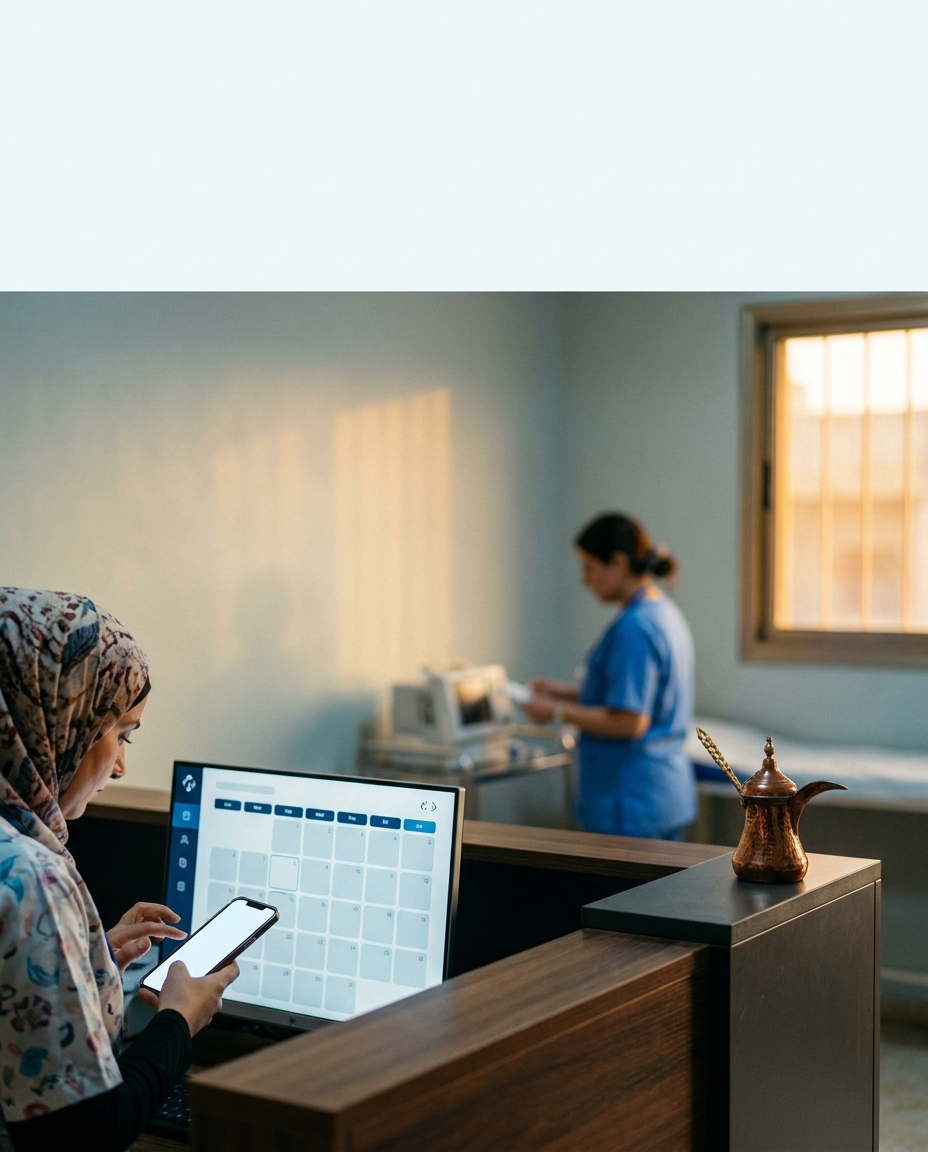
multi-branch inventory WhatsApp plus constant calls are swallowing your clinic’s day. Under four hours of hands-on training is enough to onboard a new receptionist when the interface is Arabic-first — we’ve seen this hold across small clinics once the flow is fixed. Today, the same person shuffles between the WhatsApp app, a notebook, and the phone; result: a missed patient, a double booking, and a longer queue for no reason.
When messages and calls pile up, the fix doesn’t start with a giant system — it starts with the order of steps: what is asked first, where the request goes, and when the booking is closed. Below is a practical checklist that stabilizes intake from the first patient word to the receipt.
The full checklist
- One inbox for all intake: funnel calls, WhatsApp messages, and walk-ins into a single reception screen with name, phone, reason, preferred time, and a direct "Add appointment" (Add appointment) button.
- A unified short question set: lock essential pre-booking fields (age, service, preferred doctor) via a quick link form (Quick form) instead of long chats.
- Calendar with available-only slots: show only free times to staff, and prevent overlaps using a "Block slot" (Block slot) option.
- Separate walk-in/phone/message: mark source at second one with a "Source" (Source) selector to see where time leaks and balance peak-hour load.
- Instant confirmation message: once saved, auto-send a confirmation that includes name, time, and a "Confirm" (Confirm) tap that flips status without another call.
- Pre-visit reminders: enable an automatic reminder before the visit with a polite option to "Reschedule" (Reschedule) to reduce late arrivals and last-minute no-shows.
- Smart waitlist: when the day is full, add the patient to a waitlist and notify the nearest-in-time patient with an "Open slot" (Open slot) alert on any cancellation.
- Emergency bump: a quick "Priority" (Priority) flag elevates the case to the doctor and inserts a short slot without blowing up the queue.
- First-visit vs follow-up: tag "New" (New) vs "Follow-up" (Follow-up) to assign different slot lengths and avoid silent overruns.
- Pre-visit form: send a short intake form ahead of time and confirm arrival into the patient’s card with a "Received" (Received) toggle.
- Nurse-facing screen: use a "Waiting room" (Waiting room) overview with order, status, and actual arrival time to move the queue without random calls.
- Clear late policy by one tap: a "Late" (Late) button updates status and sends a ready message that explains what happens to the patient’s place.
- Cancel list by tap: on patient cancellation, a "Cancel" (Cancel) button logs reason, removes the slot, and frees it to the waitlist.
- Appointment-to-receipt link: at visit end, hit "Close visit" (Close visit) to generate the receipt, with optional stored e-prescription.
- Short daily report screen: show a simple daily summary after close: visits, cancellations, late arrivals, and average wait; no heavy terms.
- Light permissions: define receptionist vs doctor permissions — who books, who edits, who cancels — with a clear "Permissions" (Permissions) control.
- Import contacts: pull saved names and phones into the clinic book with an "Import" (Import) action instead of repeated manual search.
- Booking drafts: when a call drops mid-intake, auto-save an "Draft" (Draft) so you can finish later without forgetting.
- Simple phone integration: "Call" (Call) from the appointment card, plus a "Message" (Message) button that opens the WhatsApp app with a ready text.
- Short reception SOP: a two-line internal guide under "Help" (Help) clarifies the sequence: record, confirm, then remind.
Tie appointments to multi-branch inventory WhatsApp
If you run multiple branches, supplies start to shape the calendar: a small bridge between consumable availability (sterilization kits, treatment supplies) and the calendar prevents booking a service when stock is low in that branch. Keep it transparent: a "Low stock" (Low stock) warning before confirming the slot, with a quick suggestion to move the booking to another branch or time.
Decision table
Before you begin, use this table to check if now is a good time.
| When it fits | When it doesn’t fit |
|---|---|
| When intake channels are scattered and you need a single inbox and unified first questions. | When your clinic is micro-sized, sees very few visits, and a paper notebook truly works without chaos. |
| When "available-only" times reduce repetitive phone queries and block double booking. | When the doctor prefers free-form intake without a calendar, and changing style would confuse the team right now. |
| When receptionist turnover is frequent and you need fast practical training with an Arabic-first interface. | When the team is stable and you don’t want any operational change in the near term. |
| When you want a short daily report screen instead of manual tallying from notebooks and chats. | When you can’t spare time to try the first version and iterate during the first weeks. |
| When multiple branches need a stock low-warning before confirming a service slot. | When cross-branch coordination is postponed and each branch will stay isolated for now. |
What to do after the checklist
If you checked seven or more items, start a lightweight live version right away: one inbox, available-only calendar, instant confirmation, and pre-visit reminders. Pilot it in one branch or a subset of services first, then add the rest in small biweekly batches. Each time a step stabilizes, lock it and train on it.
If you checked fewer than seven, don’t rush. Pick three moves that hit today’s chaos head-on: unify first questions, switch on reminders, and stand up a waiting-room screen. Run them for a fixed period, watch the impact on wait time and late arrivals, then decide to expand or roll back.
One extra small move: write your internal reception sequence in three lines and tape it near the phone. Every minute lost to improvised explanations comes back as a full-slot delay.
How TRBD helps
We build web platforms and mobile apps that connect your calendar to daily intake streams from the first call to the receipt — with an Arabic-first interface. In practice, when labels and checks are Arabic from the start, onboarding a non-technical new staff member drops to under four hours of hands-on training.
For delivery, the normal path from first session to a live production version usually lands between a month and a month and a half. If you later add a second module on top, it typically takes two to three weeks because your data model and sign-in are already in place. After the first month, support tickets settle to a steady two to four per month.
With multiple branches, we wire a simple low-stock warning into the calendar and provide a short daily report screen — no giant boards, no heavy terms. We apply the steps above as they are, without fog.
Need a quick expert review of your checklist?
If you’re missing more than two items, drop us a short WhatsApp message with a screenshot of how appointments arrive today and any form link you use, and we’ll jump on a short call to point you to the first three practical moves: https://wa.me/905537323153. No commitment — we just need to see your current flow to talk concretely.