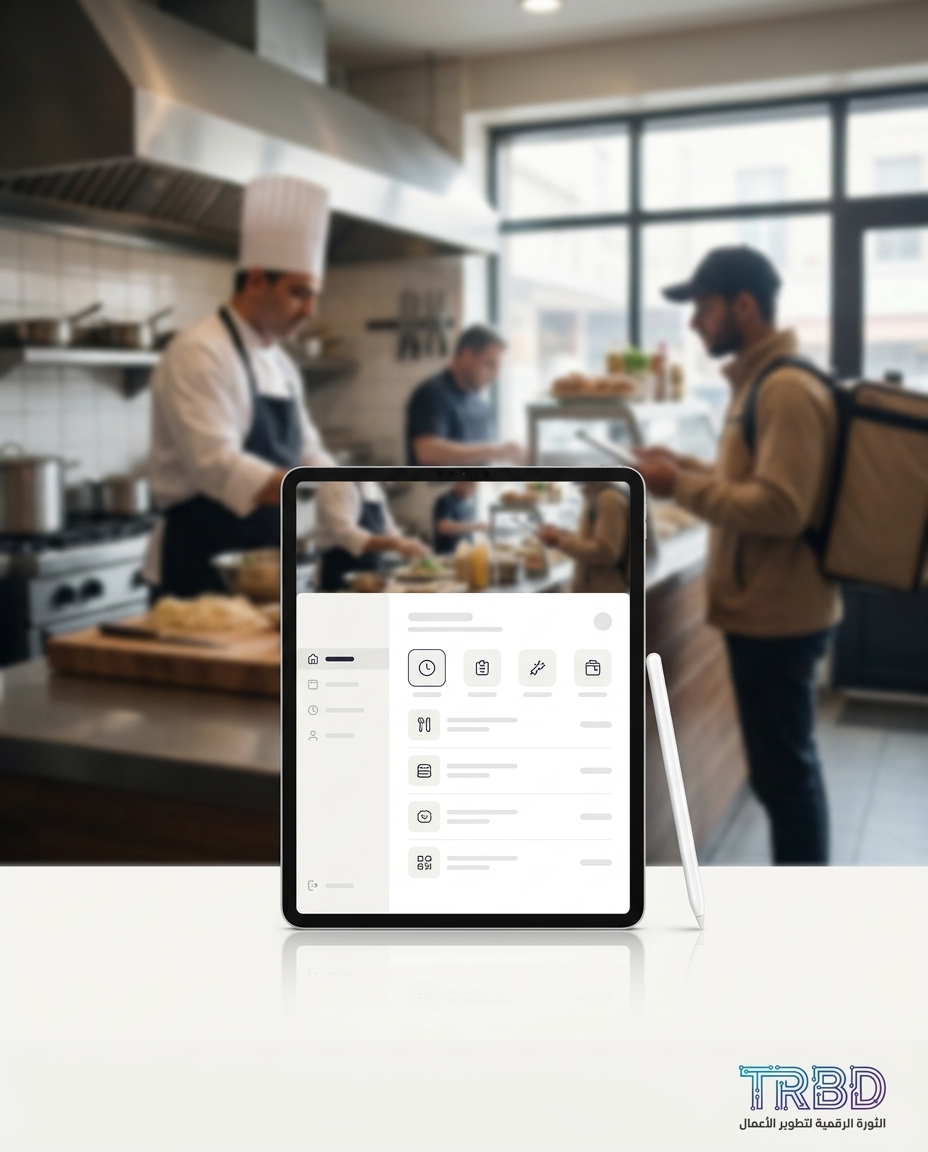
A shipping company tracking app may sound far from your kitchen, but look at your day: you’re juggling 3–5 tools — WhatsApp, Excel, a paper notebook, and a POS. Every order takes a different track, and with pressure, a note gets lost or a message lags, and the customer feels forgotten. When your delivery channels don’t land in one system, delivery starts chasing you instead of working for you.
3–5 tools — that’s the daily reality when restaurant orders live across scattered channels instead of one screen.
The big picture
The pain isn’t one lost ticket; it’s the pile-up of small decisions made with no unified log. An order comes via a phone call, a WhatsApp voice note, or a third-party app, then lands in a staff notebook, then someone must key it into the POS. Four steps, four chances to miss. On top of that, you need a clear day view: how many orders, what’s late, what got canceled. Without a clear reporting screen, everything turns into guessing.
15–25 tickets — that’s the typical first-month support load after a new system, because rare scenarios finally surface. We see this with clients.
From work with restaurant and retail owners, we’ve seen operations run on 3–5 separate tools: WhatsApp, Excel, an old accounting program, a paper ledger, and sometimes a POS. This stack creates gaps: an order logged on paper never moved forward, a customer address written as free text later got “corrected” differently, or a rider called and no one caught it.
Under 48 hours — once operations sit in one system within the first quarter, month-end close drops to this number. The same logic applies to restaurants: end-of-day order visibility becomes two quick steps.
Getting a working system live isn’t fantasy. The typical rollout we see takes between a month and a month and a half from the first workshop to the first production version. If there are complex integrations across multiple sections or third-party delivery platforms, it takes about two to three months — then it settles.
One to one-and-a-half months — a realistic window for a first version that funnels all channels into one screen instead of chasing notebooks and messages.
Stability also has a clear marker. Ongoing support tickets for a stable client settle at 2–4 per month after the first two months, because scenarios become known and training sticks. With an Arabic-first interface, onboarding a new non-technical staff member drops from “days shadowing” to under four hours of hands-on training.
Under four hours — that’s how fast onboarding gets when labels are in Arabic and screens reflect your real workflow, not a brochure.
The trend table
You have many options, but the simple truth remains: the more you funnel channels into a single intake, the fewer gaps you suffer. Compare the tools you likely use in a delivery kitchen, and where each helps or slows you down:
| Tool | Daily use | Good for | Real limits |
|---|---|---|---|
| WhatsApp app | Quick orders from regulars | Direct, simple chat | No structured log, no analyzable numbers |
| Paper notebook | Jotting orders under pressure | Instant speed | Pages get lost, never reach kitchen or cashier |
| Google Sheets platform | Organizing addresses and manual logs | Flexible edits | Heavy manual entry, typos, duplicate addresses |
| POS system | Dine-in and delivery invoicing | Printing invoices, cash linkage | Many don’t ingest WhatsApp or call-in orders |
| Third-party delivery platform | Finding new customers | Ready orders | Commission, missing data, no merge with your other channels |
| Custom system by TRBD team | Unified intake and one screen | Connect all channels and reports | Needs a managed rollout within one to one-and-a-half months |
What this means for small shops
If your kitchen loses orders or trips over addresses, the fix isn’t buying yet another tool. It’s reorganizing intake. One intake, unified translation, and fixed definitions for what repeats. One customer record, one structured address per customer, and a clear order “state” that doesn’t move forward unless an action happens.
Practically, keep it simple. A single intake screen with three clear buttons: “Order from WhatsApp,” “Order from Call,” “Order from Platform.” Each opens a short form — name, address, phone, and your menu items laid out the way your kitchen thinks. Once saved, the order pops onto the kitchen screen and, at the same moment, goes into the POS or your invoices log. No more double entry.
With that single intake, the reporting screen starts making sense to the owner. You see “orders today,” “average prep time,” and “delayed orders count” in plain language. No big buzzwords — just a quick spotlight: where is the delay living? At intake? In the kitchen? Or with delivery?
Training stops being a burden. When the interface is Arabic-first and elements speak your shop-floor language — “voucher,” “invoice,” “supplier,” “handover” — new staff ramp up fast. What we’ve seen in practice is onboarding a new staff member drop to under four hours of real training when the screen mirrors your day, not a vendor’s slide deck.
If rollout stresses you, make it a small, scoped project. The normal window is one to one-and-a-half months for the first working version. After that, adding a second module — like “quick address naming” or “prep-time alerts” — usually takes two to three weeks because the data model is ready. Start with what matters most, then keep building without disrupting work.
Why a shipping company tracking app mindset works for restaurants
A shipping operator won’t let a parcel disappear between a call and an email. They have a “tracking number,” an “address,” and a “state.” Bring that culture to your kitchen. Treat the order like a shipment: one intake for all channels, and a single “state” per order — “received,” “in prep,” “ready,” “handed to rider,” “delivered.” This lens exposes gaps fast.
The goal isn’t to make your kitchen act like a courier business, but to borrow what’s best: step-by-step traceability. Give each order an internal tracking ID, and move it to the next state automatically when you tap “Prepped” or “Handed.” Now you know where delays live, and you can answer customers on the spot without flipping a notebook or searching WhatsApp.
Once you merge channels, reports improve immediately. Instead of vague numbers, you get operational facts: which hour sees the most delays, which item clogs the line, and which delivery distance drags your handover time. Because everything uses the same Arabic terms, reading the screen becomes part of your daily rhythm.
Sector outlook
- Restaurant: fast and time-sensitive. If an order is ten minutes late, patience cools and food actually gets cold. So a single intake is essential for instant capture. The kitchen needs a simple screen, the cashier needs automatic invoicing, and the rider needs a cleanly written address.
- Local e-commerce store: orders are a bit slower but with more states. Here, order “state” grows longer: “payment pending,” “ready to ship,” “awaiting supplier.” Same principle applies: one intake, clear states, structured addresses.
Comparing the two: restaurants focus on intake speed and a precise kitchen screen. Stores focus on address correctness and shipping linkage. Both win the same way: less manual chasing, more transparency. A clinic, for example, is driven by time-slots rather than delivery addresses, but the one-intake rule still prevents mix-ups.
Conclusion and recommendation
In the next year, what separates delivery-first restaurants won’t be the loudest ad. It’ll be who has one intake and agreed order states. Merge your channels, and your day gets clearer, your replies faster, and your legs stop running after loose pages.
Our concrete recommendation: run a two-session roadmap. First, document how orders actually arrive today. Second, design your Arabic “order model” and agree the state names. Then ship a first version in one to one-and-a-half months that connects WhatsApp, calls, and platform orders into one screen. One reminder: month one will naturally bring 15–25 support tickets as staff try new edges. After that, it settles at 2–4 per month, and your time goes back to cooking — not patching.
Want to analyze your own numbers the same way?
If the numbers above feel like your day, let’s do a short call to map your single intake. Drop a message on WhatsApp at https://wa.me/905537323153 saying “I want one screen for WhatsApp, calls, and platform orders,” and we’ll reply with small, no-commitment steps.