client file automation law firm Syria isn’t far from a restaurant’s pain: about seven out of ten owners we meet still run invoicing with Microsoft Excel and the WhatsApp app. In that setup, a small paper ticket that never reaches the kitchen triggers delay, stress, and a guest wondering why the next table got served first.
End of day, the cash drawer doesn’t match because paper wandered, an employee forgot to hand off, and nobody can tell who wrote the order, who received it, and who confirmed prep. Paper just turned into your silent opponent.
The operational problem
The scene is simple yet painful: a waiter scribbles on a small slip, drops it on the tray, gets pulled to another table, and the slip falls. The kitchen never sees it, and the guest keeps waiting. Fifteen minutes later, someone peeks out of the kitchen to ask, “Is there a tabbouleh for table four?” The waiter realizes nothing was reconciled and rewrites it from scratch.
Every lost minute between table and kitchen stacks a full delay queue on the rest of the floor. The lost order gets reentered, but now without a clear entry time or a receipt of handoff. At closing, the drawer reflects an incomplete reality: stock went out without matching tickets, and dishes left the pass without a proper document.
The damage isn’t just time. The guest experience suffers: the person who waited 25 minutes for a shawarma will tell a few friends. Meanwhile, suppliers call before week’s end about payment, and you chase flying paper instead of building a steady shift rhythm.
Even with a point-of-sale system (POS) at the cashier, if the journey from table to kitchen still lives on paper, you’re relying on a forgetful, emotional middleman. Paper has no event log, no “received” stamp, and no built-in alert when an order lingers ten-plus minutes after entry.
Why off‑the‑shelf won’t cut it
Many boxed systems sell you a “kitchen screen” and “ticket printing,” but the first power blip or rush hour sends the waiter back to paper. The issue isn’t a missing button; it’s the flow from order entry to plate-out, with a clear fallback path.
The market is full of quick apps without a spine that guarantees outcomes. If the system doesn’t enforce a kitchen “Acknowledge” step and lacks a ticket archive, the same gaps stay open. An English-only interface stretches onboarding for non-technical staff and increases error risk.
- No mandatory kitchen receipt step via a “Acknowledge” button, so tickets remain ambiguous between floor and kitchen.
- If the ticket printer jams, there’s no digital queue fallback with a “Send to Kitchen” from a second device.
- Real-time follow-up reports are weak, leaving the supervisor blind to late orders and their timers.
- An English-first UI raises training time, instead of dropping it below four hours when Arabic-first UI is used.
- Floor and delivery flows stay split; delivery orders travel a different path than tables, causing duplication and loss.
The TRBD way
We work with you through “Web Platform Development,” complemented by a light mobile or tablet app under “Mobile Apps.” The deliverable isn’t just “software”; it’s a step-locked flow so an order enters once, becomes visible instantly, and exits only after the kitchen confirms and the bill is settled.
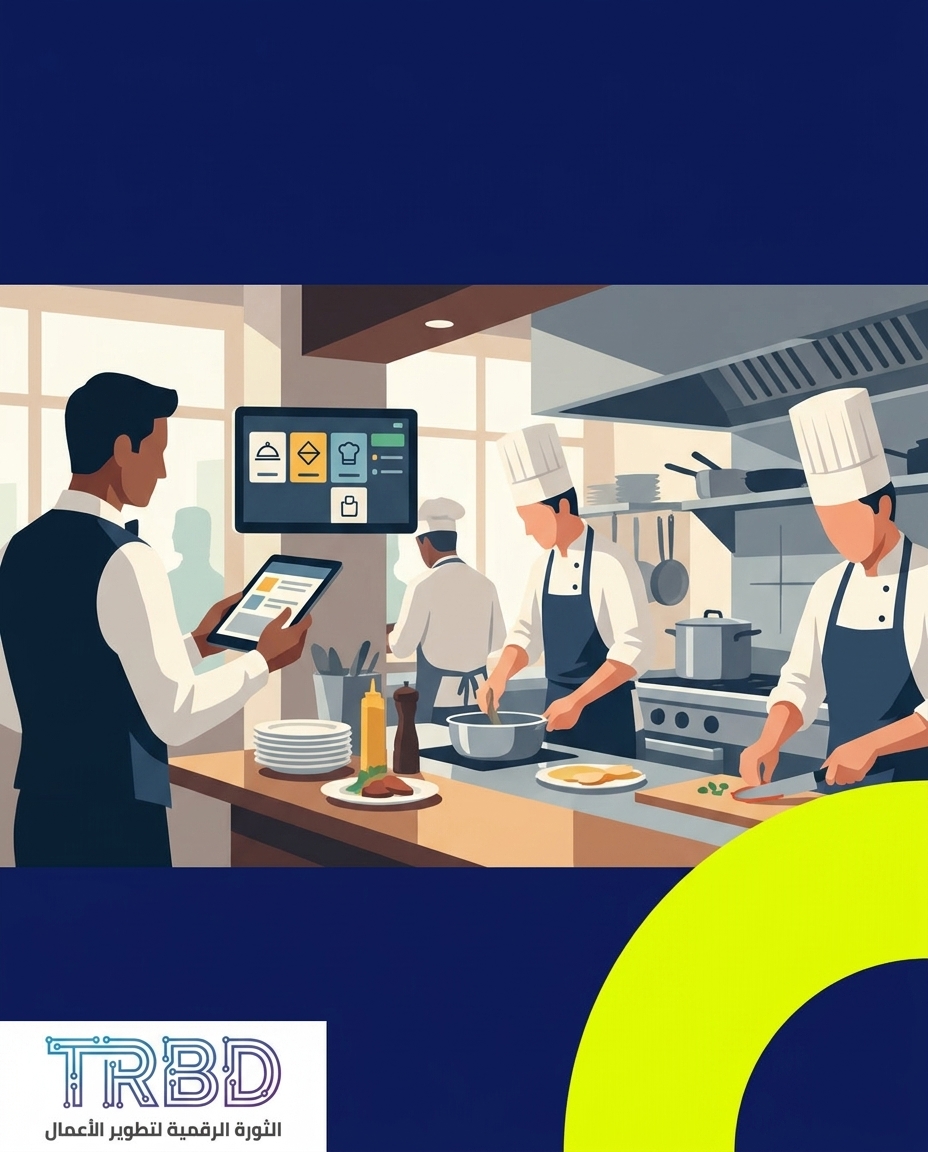
From the moment a waiter enters the order, a single digital ticket is created with an ID and timestamp and is pushed to the kitchen screen. Nothing prints by default unless you choose to. The kitchen must hit “Acknowledge,” creating a visible trail: who received it, when, and what’s late.
If the printer dies or the rush spikes, a visible digital queue shows the waiter each item’s state: “In prep,” “Ready,” “Delayed.” A “Remind kitchen” button sends a gentle sound cue within the kitchen screen without shouting. When the plate goes out, the waiter confirms “Delivered,” closing the chain.
Why Arabic-first? Because when the interface, labels, and alerts are Arabic-first, onboarding a non-technical new hire drops from days of shadowing to under four hours of hands-on training. That’s a practical win in restaurants with high staff turnover and limited manager time.
Our steps are consistent and field-tested:
- Map the current flow: an on-site session on the floor and in the kitchen to observe how paper moves today, where it slips, and who rewrites it.
- Design a single path: a simple waiter screen with “Add item,” “Notes,” and “Send to Kitchen,” and a kitchen screen with “Acknowledge,” “Ready,” and “Stalled.”
- Build a working version: first production cut typically ships between one month and a month and a half from kickoff. With deeper cross-department integrations, it can take two to three months.
- Run and stabilize: month one often sees 15 to 25 support tickets as edge cases surface. After two months of stability, tickets settle around two to four per month.
Scope includes Arabic-first UI, waiter and kitchen screens, a daily reporting screen for the floor manager, optional integration with your current POS, and on-site training. We skip the glossy catalog talk and build to your actual path.
Expected outcomes: less paper, a visible digital trail from table to kitchen, the ability to see late orders on one screen, and faster onboarding for new staff. Profit comes from shorter waits, fewer errors, and a stronger reputation.
Cross‑sector lens: client file automation law firm Syria teaches two lessons
What happens to legal client files on paper isn’t far from a restaurant’s ticket slip. When files stay paper-based, receipt times disappear, questions repeat, and staff hunt documents. The same logic applies here: generate the order digitally, receive it digitally, finish it digitally.
Takeaways we port over: enforce the receipt step, make timing visible, and deliver a daily reporting screen so the manager reads signal, not noise. Paper can remain a backup copy, but it can’t be the backbone.
How to start with us
Email us at info@trbd.net, or ping us on WhatsApp Turkey via https://wa.me/905537323153, or WhatsApp Syria via https://wa.me/963992367582. Tell us your current flow: from seating to the plate leaving the pass.
We’ll return with a free initial assessment and sketch the new flow before we build. If you need to integrate with your current POS, we’ll review that together as part of the assessment.
Toward a new operating rhythm for Damascus restaurants
The market won’t spare restaurants that still hinge their core on paper and ad-hoc handoffs. Real change isn’t about buying another gadget; it’s about enforcing a flow where an order enters once, becomes visible immediately, and ends with an explicit confirmation. An Arabic-first interface cuts new-hire training to under four hours, which matters when you greet a new face almost every month.
If you’re weighing time to value, the first working cut usually ships between one month and a month and a half, stretching to two or three months with deeper integrations. Those are grounded timelines aimed at getting something live on the floor, not just a demo screen.
From our fieldwork, roughly six out of ten clients who arrive thinking they want a boxed system realize they need a custom path once we map their actual flow against what the boxed product covers. That’s not “custom for its own sake”; it’s the reality that every kitchen has its cadence and every floor its routes—and boxed tools often miss a key handoff like ticket receipt.
Our forecast: the winners turn paper into a shadow copy and rely on a digital audit trail from minute one. A daily reporting screen that rolls up delays and shows where the chain breaks helps you see whether the problem is a shift pattern or a stable choke point. With two branches, a unified version surfaces true differences instead of guesswork.
Got the same headache? Tell us: what hurts most—paper slips, the printer, or “who actually received the order”?