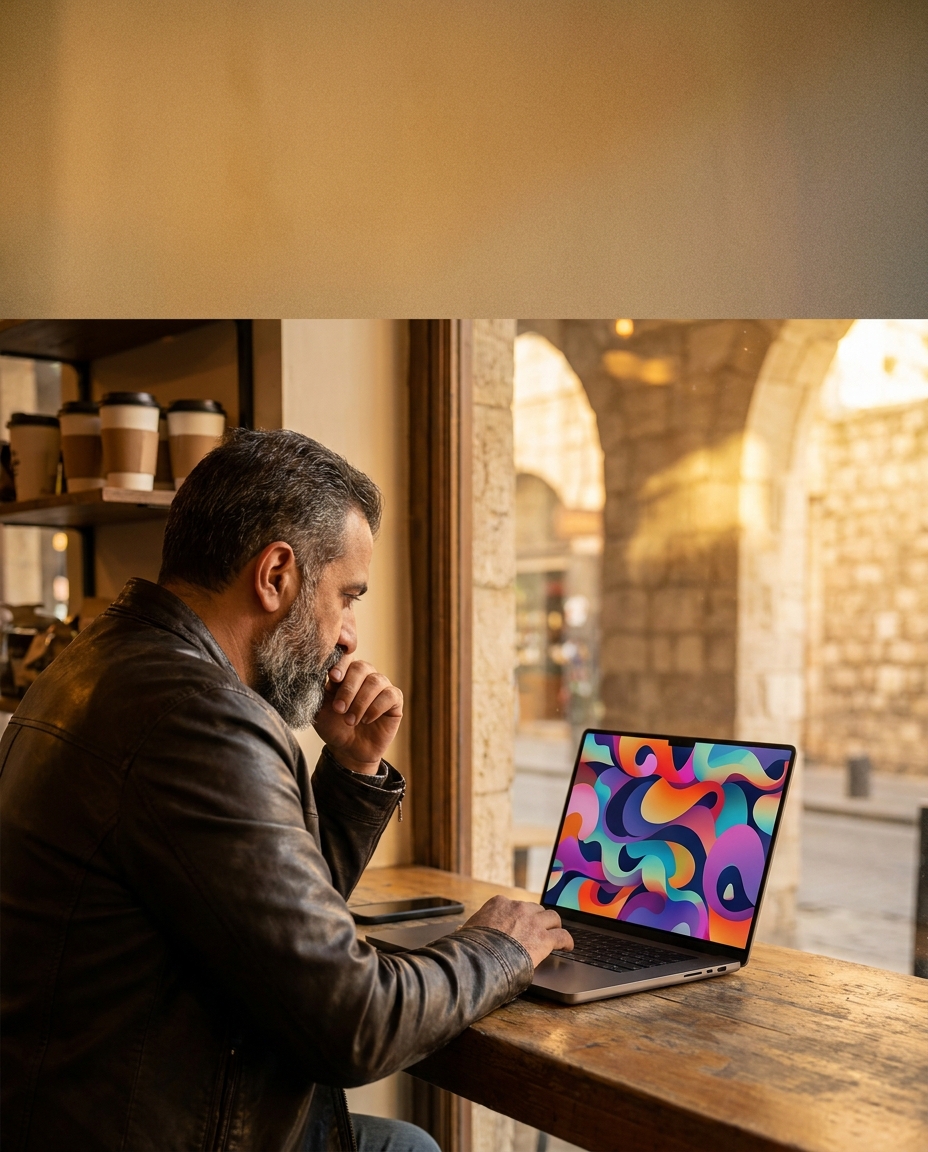
DALL·E 3 review for Arab businesses starts with your operating clock, not definitions. Between a month and a month and a half to ship a first version of any new system, yet today’s promo image must be ready before opening. This is where text-to-image inside the ChatGPT platform helps: instead of waiting on a designer or recycling an old photo, you describe what you want and see instant drafts you can refine.
Between a month and a half — a first production launch we’ve repeatedly seen with small-to-mid businesses. Daily images do not wait for that timeline.
Overview
The text-to-image generator known as DALL·E 3 is a recent image model from the company OpenAI. Its natural home is now inside the ChatGPT platform: you write a clear prompt, hit Generate, and get visual proposals you can iterate on with the same chat, without switching tools.
This product category is a "text-powered image generator," not a traditional editor. You type: “Poster for fresh pomegranate juice at a Damascus café, hand-drawn vibe,” and you get several variations. You look at color, composition, and lighting, then say: “Make it simpler, warm background.” It updates accordingly. For a shop owner who wants results, not layers and toolbars, this fits.
The ChatGPT platform adds context persistence. Every change is a line in a friendly conversation. You don’t duplicate files; you just say: “Recreate the first image with clearer lines.” You can also use Upload image to enhance an existing photo, apply local edits through simple instructions, and Download variants in different sizes. All of it stays in one conversation thread.
DALL·E 3 review for Arab businesses: from idea to image
If your team is busy with orders and stock, the goal isn’t turning them into designers—it’s getting a direction fast. DALL·E 3 acts like a visual rough-draft engine: it gives you an aesthetic direction to test, lets you gauge customer reactions on one variant, and then you either refine in another app or ship as-is when it’s good enough.
The ChatGPT integration means text and image sit together: describe the concept, generate the visuals, and draft the promo copy you’ll place later in a lightweight editor. It’s not a final print workflow, but it covers most of the road in minutes when the prompt is specific.
“If a tool doesn’t change your decision today, at least it shortens the path to a better draft.”
Features table
The practical upside here is easy access and fast iteration. A compact view:
| Feature | What it does |
|---|---|
| Text-to-image generation | Write a clear description and get multiple styles in the same thread. |
| Iterative text refinements | Ask for “simpler” or “warmer colors” and get tuned variants, no new project needed. |
| Upload image | Start from your own photo, ask for better lighting, background tweaks, or element cleanup. |
| Arabic prompt understanding | It generally handles Arabic (MSA and some dialect) better when you’re specific. |
| Style control | Request “illustration,” “realistic,” or “flat” with control over the overall tone. |
| Localized edits | Target a region and say “reduce text” or “change cup color” with short instructions. |
| Direct download | Save and post to Instagram or print small posters fast. |
| Lives inside ChatGPT | Conversation, ideas, and outputs in one place—less tool-switching. |
Pros and cons
✅ Pros
- Easy to start: onboarding is light. When interfaces and labels are Arabic-first, we’ve seen non-technical onboarding drop to under four hours of hands-on training, which helps with shifts and turnover.
- Unified flow: prompt, feedback, and campaign wording in one platform reduces juggling between three separate tools.
- Fast experimentation: you can explore several directions in one short session and pick an aesthetic before paying for final polishing.
- Perfect for daily tasks: a drink-of-the-day poster, a quick story, a small door sticker—solid drafts without heavy tooling.
❌ Cons
- Arabic text inside the image: in-image Arabic lettering can be messy. Best to add final Arabic text later in a lightweight design app.
- Strict brand systems: if you have exact fonts and color specs, you’ll get the right “direction,” but exact compliance needs a designer for fine-tuning.
- People photos: for real-people shots or sensitive contexts, keep it cautious on usage rights; prefer safe illustrative styles.
- Repetition risk: vague prompts lead to similar outputs. Fix it with richer, more local context: venue vibe, known textures, and specific requests.
Practical use cases
Café with a seasonal drink: “Simple illustration of a coffee cup on a Syrian wooden table, morning light.” You get four options, choose one, ask for “warmer background,” and download. Add crisp Arabic type later in your usual design app.
Juice shop with cluttered shelves: use Upload image and ask “slightly blur the background, spotlight a large pomegranate cup.” You get a focused version for fast stories without reshooting.
Bakery iconography: generate simple hand-drawn icons for pastry sections. Use them on your internal sales report screens to help a new hire learn product groups quickly.
Under four hours of training — with Arabic-first interfaces, non-technical onboarding becomes far more manageable.
Final score
| Category | Score |
|---|---|
| Ease of use | ★★★★☆ |
| Price-fit | ★★★★☆ |
| Output quality | ★★★★☆ |
| Regional fit | ★★★☆☆ |
Bottom line: for shops and cafés that need quick visuals for today or this week, DALL·E 3 inside the ChatGPT platform delivers clean draft images ready for posting when you separate final Arabic text and add it manually. If you run strict brand systems or larger campaigns, use it as an ideation stage before handoff to a designer. The strength is conversational iteration: every thought you have can be typed as an instruction and compared side by side.
Alternatives
- Midjourney service: strong for artistic styles, often used through a dedicated chat server and may require command conventions.
- Stable Diffusion toolset: open-source power with deep control, but tends to demand more setup than a busy shop needs daily.
- Canva’s image generation: template-first for social posts, with built-in generation when you need a faster-than-average result.
FAQ
Can I rely on it for all store visuals?
Use it as an ideation and daily-draft engine. For exact brand deliverables, pass the draft to a designer for final detailing.
What about Arabic text in the image?
Results vary. Generate the background and visual elements in the tool, then add Arabic text precisely in a separate design app to keep your chosen font.
How do I write better prompts?
Describe the venue type, mood, key visual elements, and style. Example: “Simple illustration of a mint tea cup on a rustic table, sunny daylight, warm green.”
Do my staff need long training?
With Arabic-first labels and messages, we’ve seen non-technical onboarding drop to under four hours of practical training—lighter than you might expect.
Is it good for images with people?
For everyday content, stick to generic illustrative styles. For sensitive or commercial person shots, confirm usage rights or move to real photography and a designer.
Want it working without the learning curve?
If the tool is good but you don’t have time to learn it or wire it into your team’s day, book a short WhatsApp chat here: https://wa.me/905537323153. We can build a similar flow or embed this class of tools into your company if off-the-shelf options don’t fit—step by step, no heavy commitment.